Skip to content
Handy Mouse

Connected · Wi‑Fi en0 · UDP · rtt 9 ms

Your iPhone is the mouse.

Handy Mouse moves the real pointer on your Mac from the phone already in your hand. Up to 120 updates a second over Wi‑Fi or Bluetooth, encrypted end to end, paired once with a six‑digit code.

iPhone · iOS 17 or later·Mac · macOS 14 or later

0x0A preciseMotion · seq 018342up to 120 updates / s

How it works

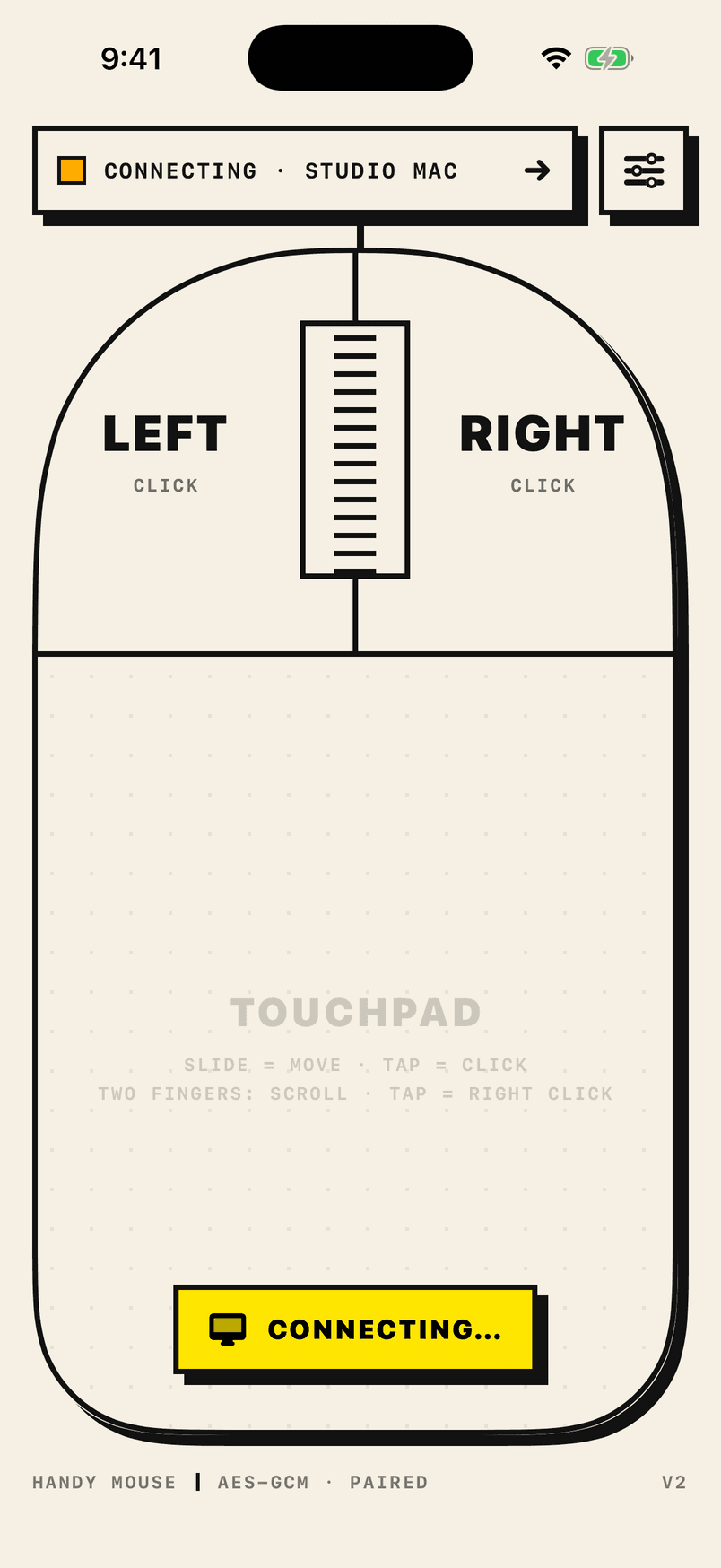
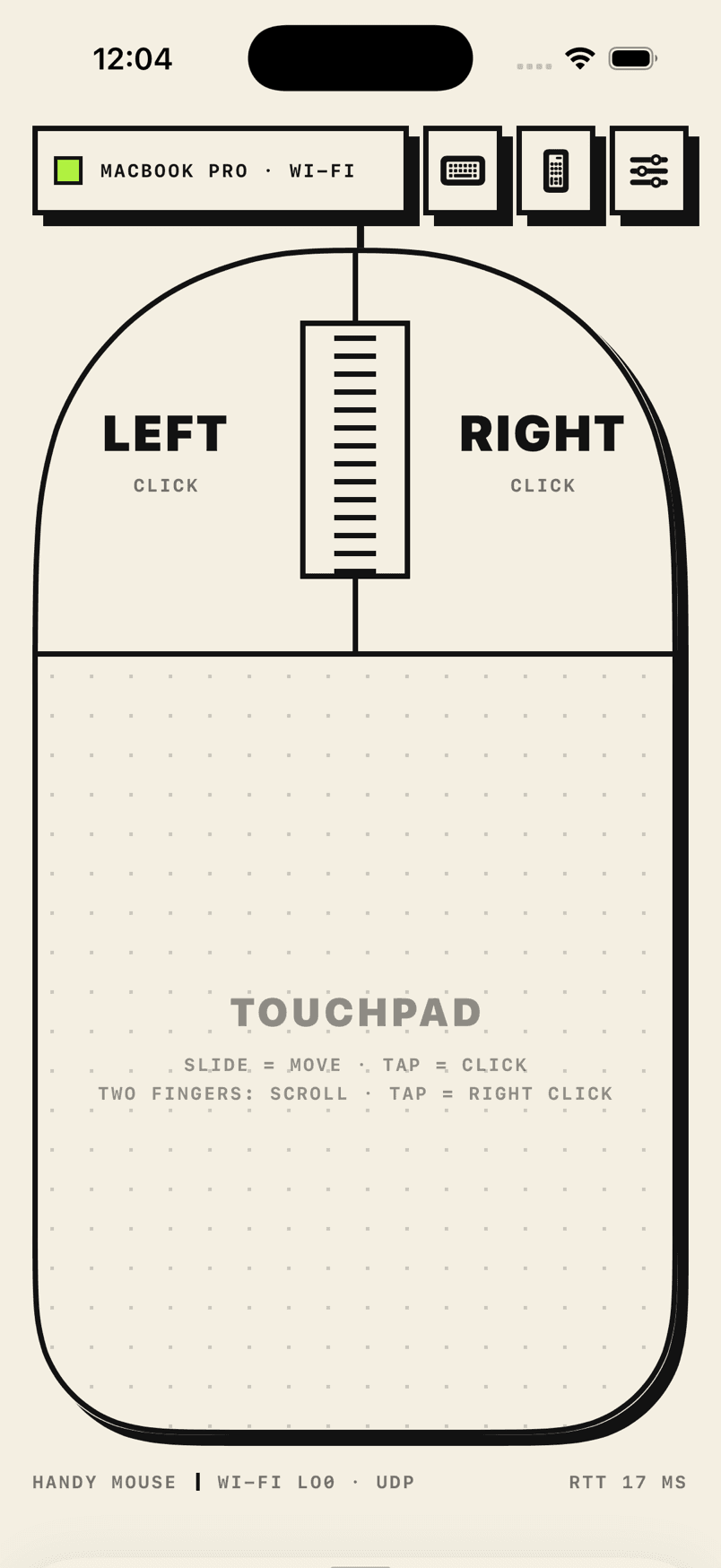
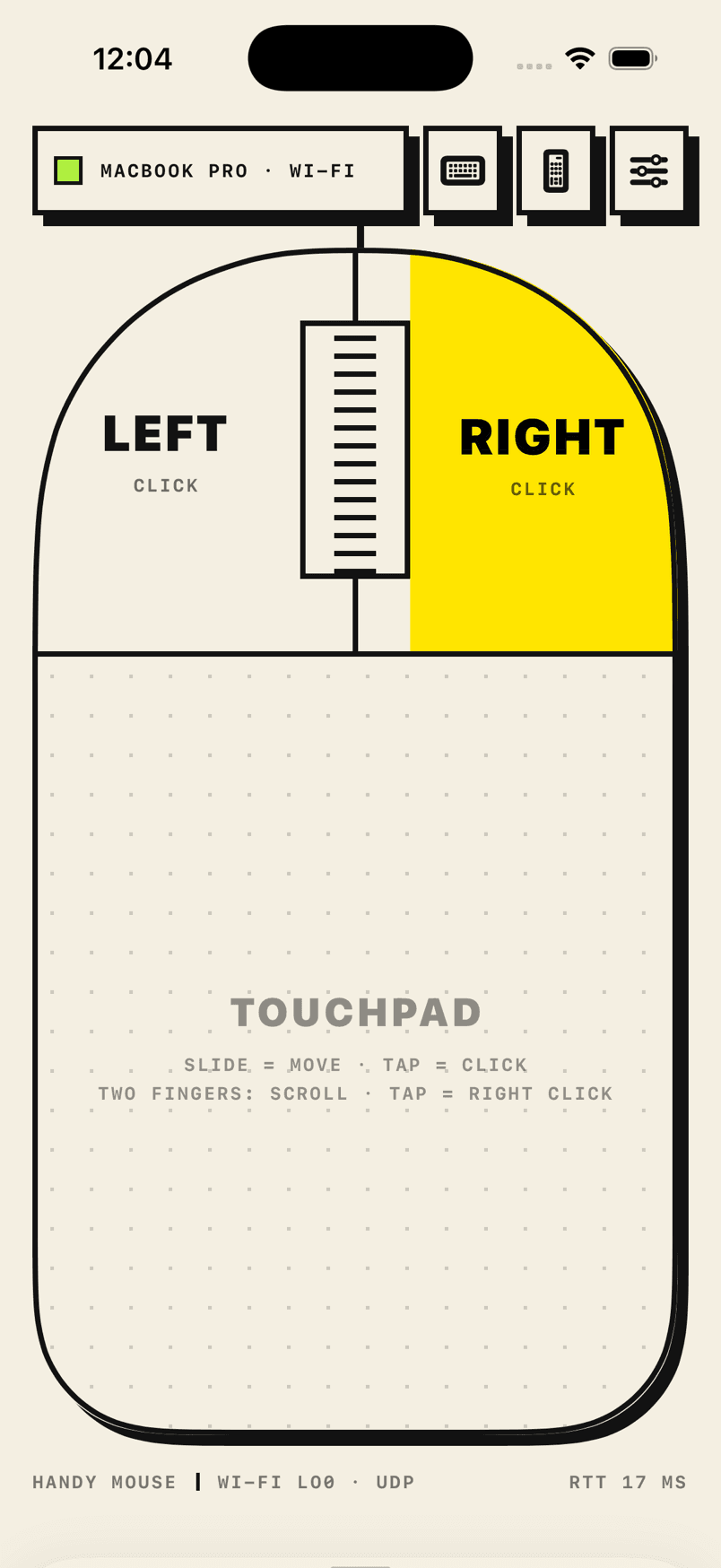
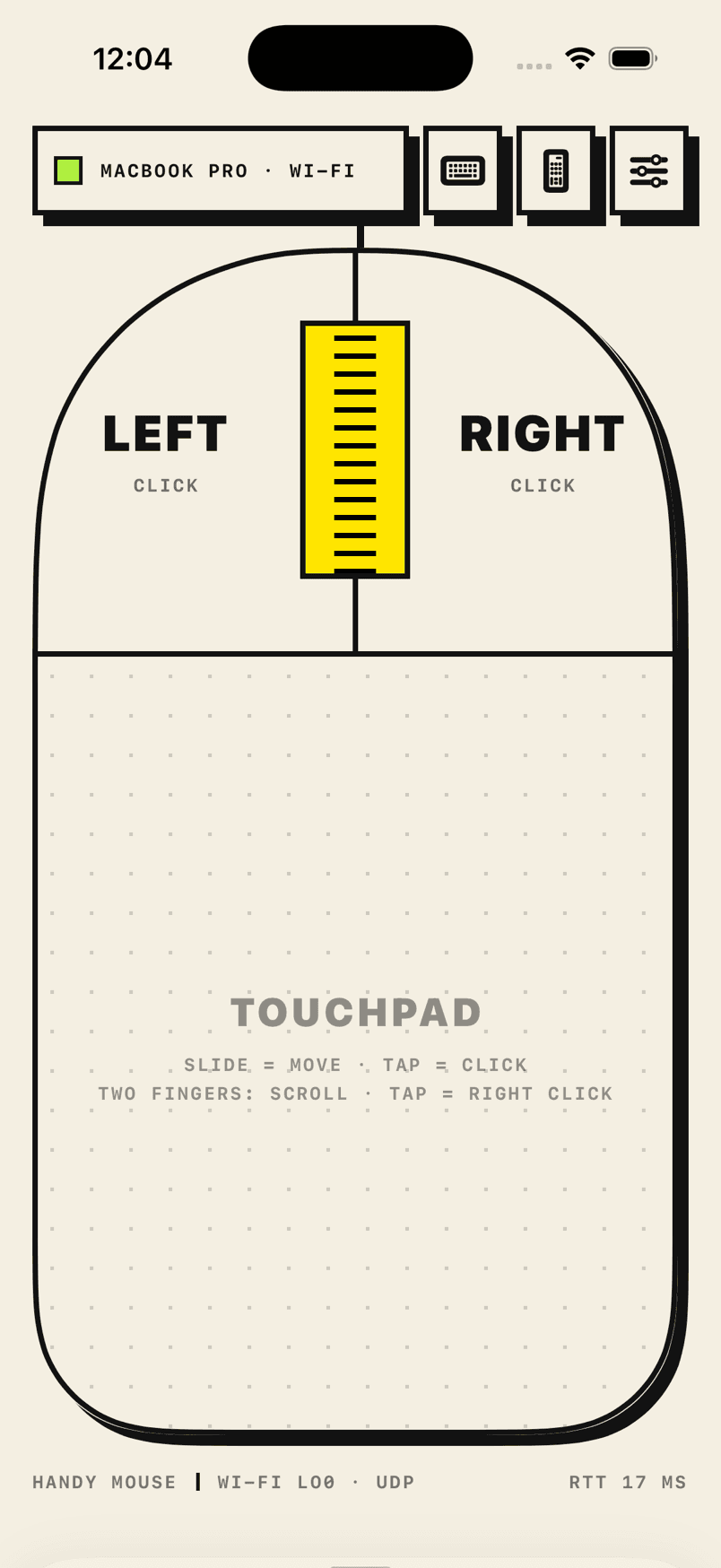
The whole screen is one big mouse.

Two buttons, a scroll wheel and a large touchpad. Every gesture a trackpad knows, on glass you already carry.

Playing all gestures ·

Keyboard

Type on your Mac.

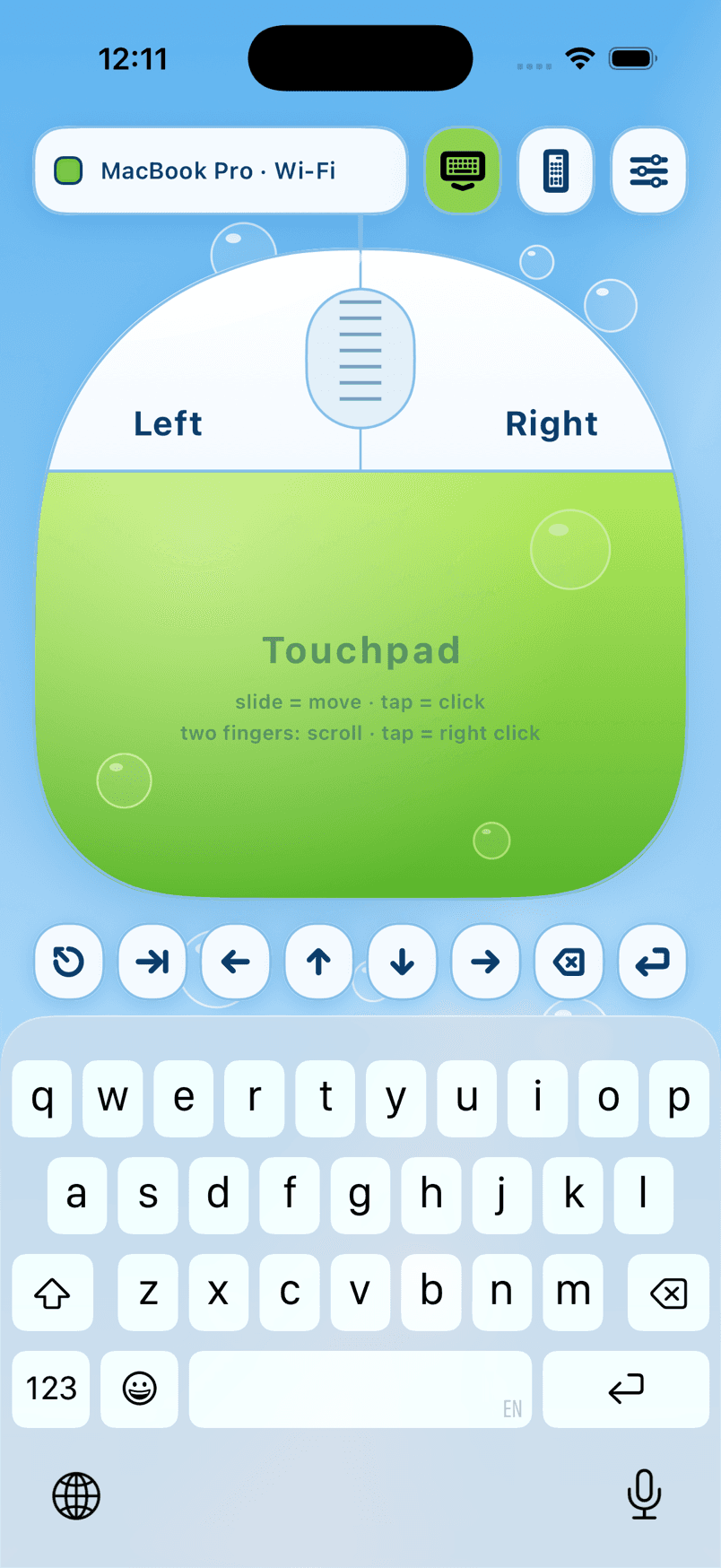
The iPhone keyboard types on the Mac, a row of Mac keys sits right above it, and the media keys play, pause and set the volume. Watch them work, or pick one.

Playing all three ·

The keyboard needs Handy Mouse Receiver 1.1 or later on the Mac and is part of the one‑time unlock. On the Mac, the one Accessibility switch covers the pointer and the keyboard.

Sent to the Mac: …

Precision

Tuned like hardware, not like a remote.

Most phone‑as‑mouse apps feel like steering a boat. Handy Mouse was built from the radio up so the pointer behaves like it is wired to your hand.

120updates / s
0x0A · cumulative · loss‑tolerant

Motion the moment it happens

Pointer motion is sent as each touch frame is processed, over UDP. Messages carry running totals, so a lost packet loses nothing. A slow Wi‑Fi link lowers the rate instead of building a queue of stale positions.
≤20ms lead
finger
pointer
without

The pointer is where your finger is now

Touch prediction leads the finger by the link's measured one‑way delay plus iOS's own guess at the next frame. It fades in only for fast movement, so while you aim at a word the pointer never runs ahead and snaps back.

¼point steps

Every Retina pixel is reachable

Acceleration follows your finger's speed over the last 30 ms: about 1.1× when you crawl, 4.8× on a flick. Motion travels in quarter points and the Mac places the pointer at fractional positions.

8ms scroll frames
began · changed · ended

Scrolling like a trackpad

Scrolling reaches the Mac as a trackpad gesture with began, changed and ended phases, at most one event every 8 ms. PDF viewers and browsers treat it like the real thing.

Onby default
palm
fingertips

Rest your hand on it

Palm rejection ignores contacts wider than a fingertip, so you can hold the phone like a mouse with your hand on the glass and only your fingertips count.

50ms keepalive

Radios that never doze off

Wi‑Fi radios sleep after a few quiet milliseconds and the first packets afterwards wait. While the mouse is in use something crosses the link every 50 ms in both directions, and both ends sit in Wi‑Fi's interactive‑voice queue.

Pairing

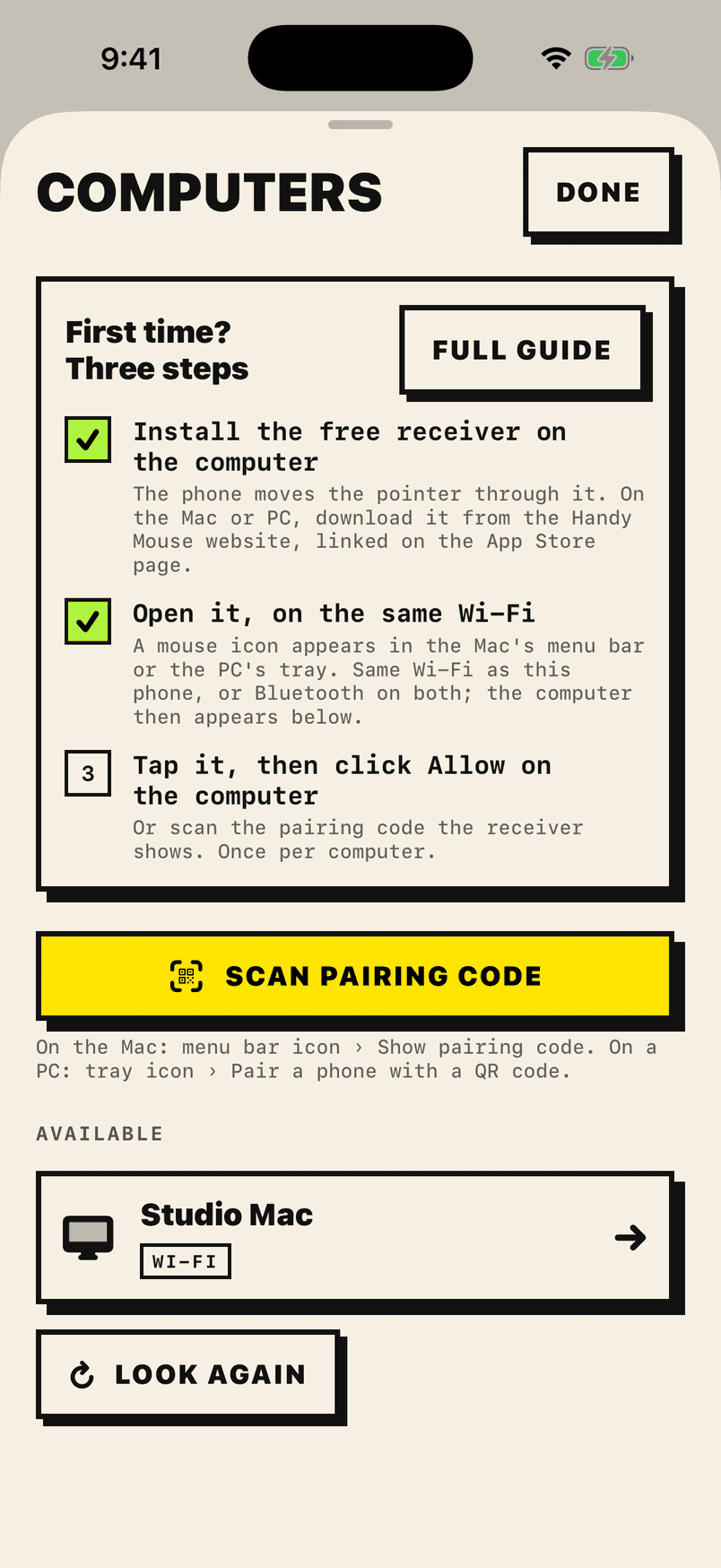
Paired once, in one scan.

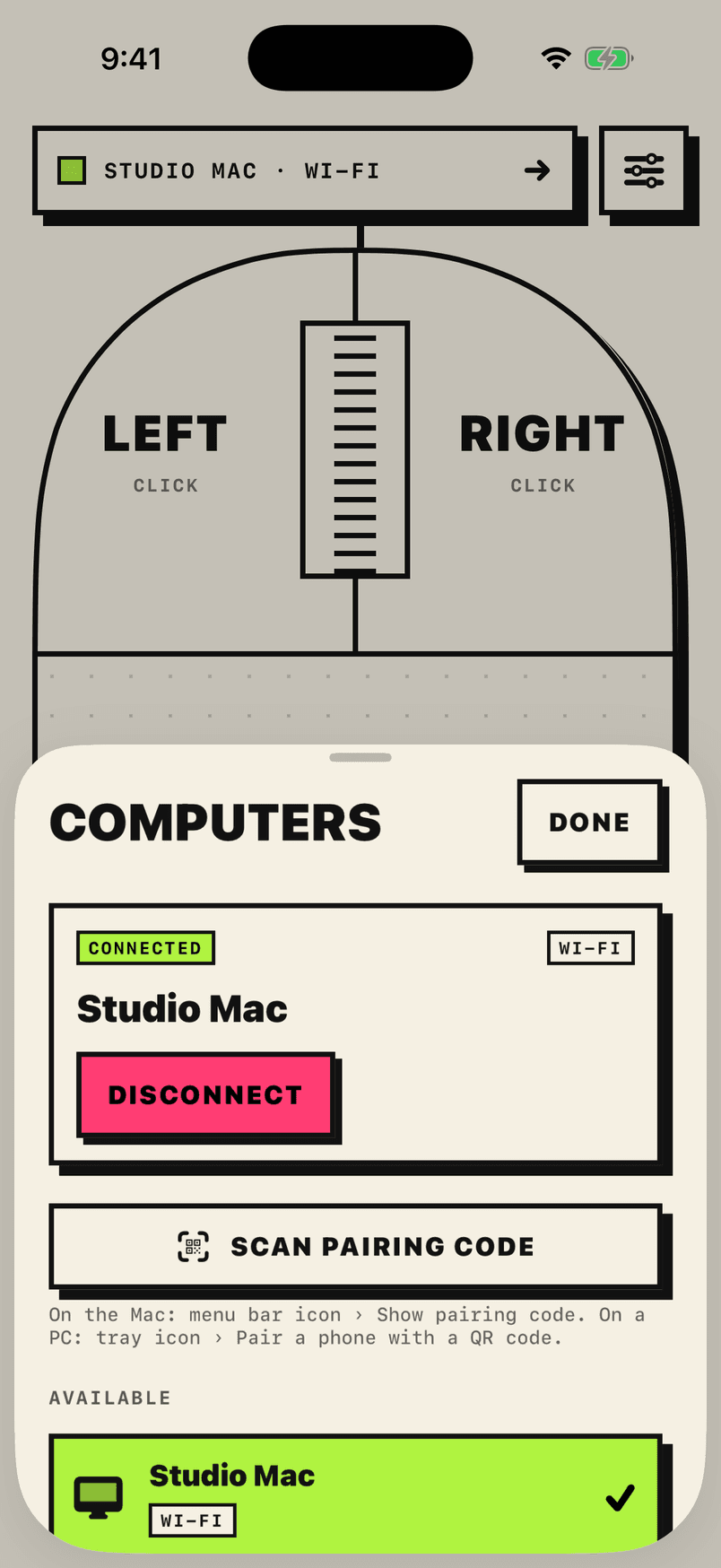
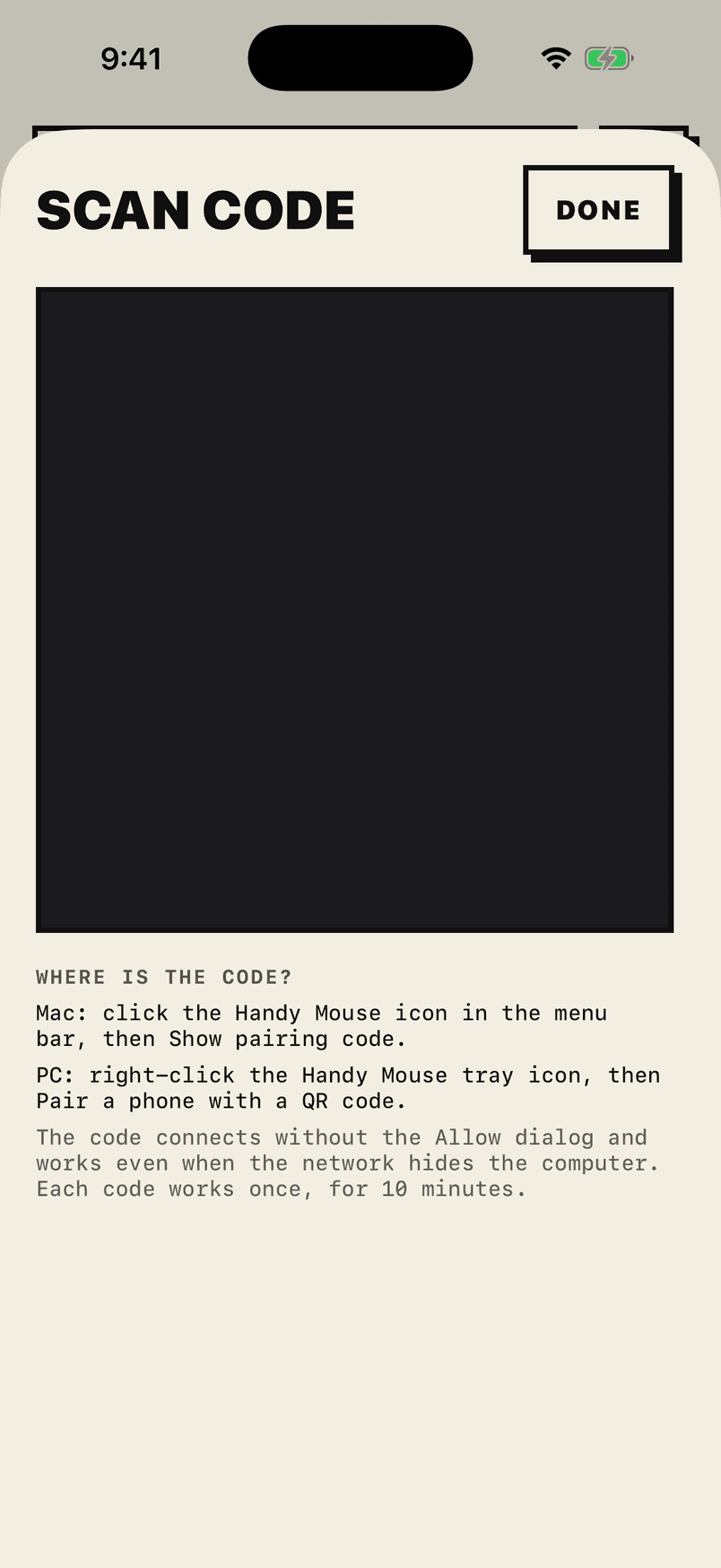
No account, no cloud, no password to type. The computer shows a code; the phone scans it; both prove they know the same secret.

Mac · menu bar
Handy Mouse Receiver
Visible to phones as “Studio Mac”
Accessibility
Allowed – the phone can move the pointer.
Wi‑Fi
Ready – phones on this network see “Studio Mac”
Bluetooth
Ready – phones within Bluetooth range can see this Mac.
Add a phone
Scan a code instead of confirming a dialog.
Show pairing code
Phones

Open Handy Mouse on your iPhone and choose “Studio Mac”. You will be asked once to allow it.

iPhone · Handy Mouse

Prefer the list? Tap your computer on the phone, compare the six digits, click Allow. Once per computer.

Ten looks

One mouse. Ten ways to hold it.

Settings › Look restyles the whole app at once, open sheets included. The moving parts run in the render server and never take time from your touches; they pause when you stop and hold still when Reduce Motion is on.

Brutalist

Paper and ink, thick borders, hard shadows. Follows light and dark mode.

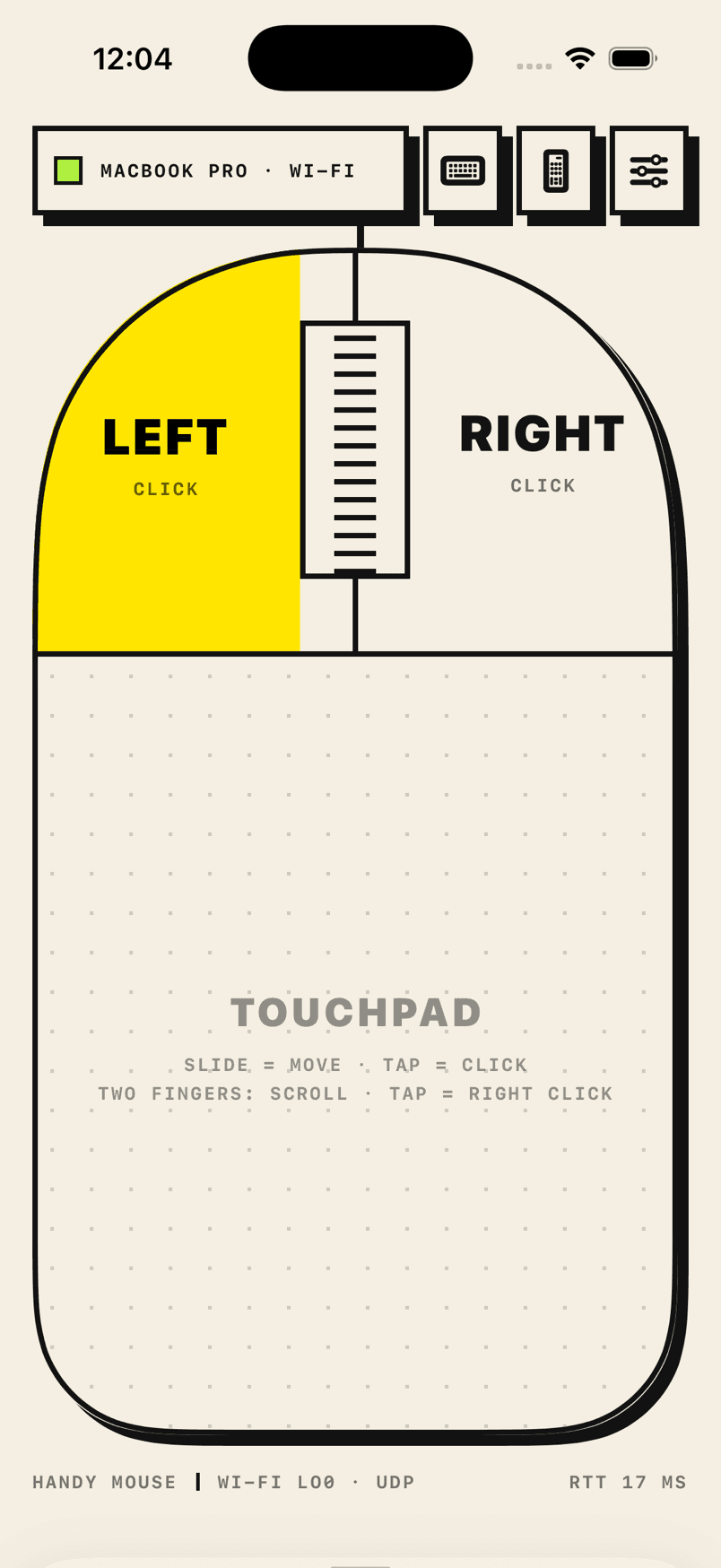
Signature touch · A pressed button fills with yellow.

Cycling every few seconds ·

Connection

Finds your computer by itself.

Open the app and your computer is in the list, over Wi‑Fi or Bluetooth. Both appear together; pick whichever shows. Wi‑Fi is preferred automatically when reconnecting.

  • Remembers the address your computer last answered on and connects straight to it when Bonjour is slow or filtered.
  • Heartbeat every second. Eight seconds of silence flips to Reconnecting and it retries on its own.
  • When Wi‑Fi keeps pausing, one tap switches the same computer to Bluetooth, and the app remembers your choice.
  • Both ends mark their traffic as interactive voice, Wi‑Fi’s highest‑priority queue, and keep Bluetooth scanning out of the mouse’s way.

Wi‑Fi

Up to 120 updates / s over UDP

Phone and computer on the same network. Found by Bonjour, remembered by address.

Best

Bluetooth LE

Steady 15–30 ms radio interval

Wi‑Fi off or unavailable. Nothing to configure; the receiver advertises itself.

Good

Peer‑to‑peer Wi‑Fi

The direct link hops channels

Mac only, opt‑in on both sides: no shared network at all.

Jumpier

Security

Nothing leaves your room.

There is no account and no server. The phone talks to the computer directly, and everything it says is encrypted with keys only those two devices hold.

In one line

Paired by a code you can see, encrypted with keys that never travel, forgotten the moment you say so.

P‑256
key agreement
AES‑GCM
every frame
0
accounts
Pairing
An ephemeral P‑256 key agreement with a commitment, so nothing in the middle can steer the result. Both devices derive a six‑digit code; the computer trusts the phone only after you confirm it matches (or after the phone proves it scanned the pairing code).
Reconnecting
A fresh key agreement every session, so past traffic stays private even if a key leaks later. Both sides prove they hold the stored pairing key with an HMAC over the transcript: a stranger cannot replay the phone, and a rogue computer cannot impersonate yours.
Traffic
Every mouse message travels in AES‑GCM frames with separate keys per direction and sequence numbers. Nothing can be replayed.
Storage
Pairing keys live in the iOS Keychain on the phone. The Mac keeps them in the receiver's preferences. Forget on either side removes the pairing.
Pairing code
Works for one phone, for ten minutes. Whoever can scan it pairs once: showing it is the same act of consent as clicking Allow.
Nuisance control
A declined phone is refused for 60 seconds before it can ask again, so the Allow dialog cannot be spammed. Being listed on the network is all an unapproved device can see.

Download

One app on the phone. One tiny app on the computer.

iOS does not let third‑party apps act as a Bluetooth mouse, so every phone‑as‑mouse app needs a small receiver on the computer. Ours is a menu bar icon on the Mac, and it does one job.

The mouse

Handy Mouse for iPhone

iPhone · iOS 17 or later

Left and right buttons, a scroll wheel and a big touchpad. Ten looks, no account. Free to download and connect, so you can check it works with your computer. One $4.99 unlock to use the pointer and keyboard. No subscription, no ads.

The receiver

Handy Mouse Receiver for Mac

Mac · macOS 14 or later

A menu bar app that receives the phone's input and moves the real pointer. Drag it into Applications, then switch it on once in System Settings › Privacy & Security › Accessibility. It opens at login, so the phone can always find it.

The receiver is free. Its download page shows the setup steps on a Mac, and the setup guide covers the rest.

Questions

Asked before you did.

More in the setup and troubleshooting guide, or get in touch.

Why do I need a receiver app on the computer?

iOS does not let third‑party apps act as a Bluetooth mouse: the HID profile is reserved by Apple, so an iPhone cannot pair with a computer the way a real mouse does. Every phone‑as‑mouse app works the same way, with a small program on the computer receiving the phone's input. Ours is a free menu bar icon on the Mac; get it on the download page.

What does it cost?

Handy Mouse is free to download, and finding, pairing and connecting to your computer are free. Using the pointer and keyboard needs one $4.99 unlock, bought once in the app, which includes all ten looks. There is no trial, no subscription and no ads. The Mac receiver is free.

Can I check that it works before I pay?

Yes. Install the app and the receiver and connect them, all for free. Once your computer is connected, the app moves its pointer in a small circle to show that everything works, and only then offers the unlock. Using the pointer and keyboard yourself needs the unlock. If your computer will not connect, do not buy; the setup guide and our contact address are on the support page. Refunds are handled by Apple.

Does it work without Wi‑Fi?

Yes. The receiver also advertises itself over Bluetooth LE, and the phone shows both paths in the same list. Bluetooth is steady at roughly 20–30 ms; a quiet 5 GHz Wi‑Fi network is quicker. On a Mac you can also turn on peer‑to‑peer Wi‑Fi on both sides for a direct link with no router at all.

Can someone else on the network control my computer?

No. A new phone is only trusted after you click Allow on the computer with a matching six‑digit code, or after it scans the pairing code you chose to show. All traffic is encrypted with keys only the two paired devices hold, every session uses fresh keys, and a declined phone has to wait a minute before it can ask again.

My computer is not in the list.

By far the most common cause is that the receiver is not running; look for the mouse icon in the Mac's menu bar. Then: both devices on the same Wi‑Fi (not a guest network, no VPN), Local Network access allowed for Handy Mouse on the phone, and the Mac's firewall not blocking the receiver. Scanning the pairing code sidesteps network discovery entirely.

It is connected, but the pointer does not move.

On a Mac the receiver needs Accessibility access. The phone shows an amber blocked state with the fix, and the receiver opens the right switch in System Settings for you; Allow Pointer and Keyboard… in its menu opens it too. The phone turns green by itself once it is on.

Does the pointer lag?

On a healthy link the footer on the phone shows UDP and a round trip under about 20 ms. If it shows more, prefer the router's 5 GHz band, plug the Mac in (macOS saves Wi‑Fi power on battery), turn AirDrop receiving off, or tap Use Bluetooth instead. The app tells you when Wi‑Fi keeps pausing and why.

Does it work with Windows, Linux, iPad or Android?

Not at the moment. Handy Mouse is an iPhone app, and its receiver runs on a Mac with macOS 14 or later. Please check that you have a Mac before you buy the unlock.